
In a terminal, typing git status looks like an indivisible action. In reality, the keyboard enters through an emulator, goes through a pseudo-terminal, reaches a shell that interprets the text and ends up executing a process. If tmux also intervenes, there is another layer that intermediates the input and output. And when Yazi displays a thumbnail, that image may require a protocol that is not the same as drawing text or colors.
This architecture matters because breakdowns are seen on the wrong surface: Zsh is blamed when a key was captured by another program, Yazi is blamed when terminal image support is missing, or tmux is blamed when the remote host lacks terminfo. The proposal of this article is to build a model of the stack and use it to choose tools. This is not a list of “must-have” facilities.
Reference versions verified in project releases include Alacritty 0.17.0, Yazi 26.9.1, and fzf 0.75.0 during 2026. The Deep Research dossier had recorded fzf 0.74.4 prior to the November release. For Foot, the dossier points to 1.28.0, but the version could not be revalidated directly from Codeberg in this environment: therefore, its functions are treated according to its documentation and a specific release is not claimed as verified. No user settings are presented as personal experience.
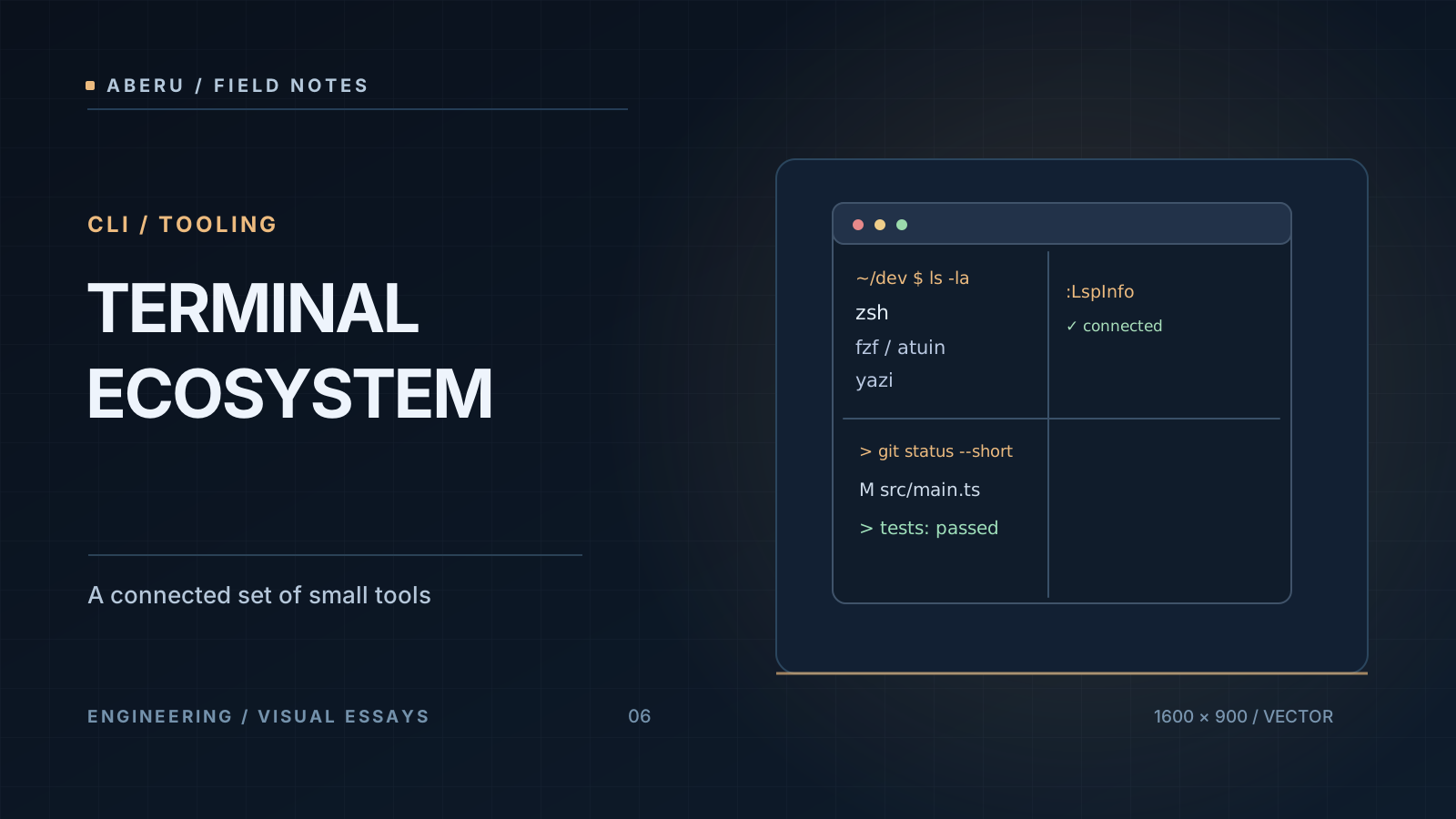
The chain of responsibilities: emulator, PTY, shell and TUI
On Unix, a PTY exposes a master side and a slave side. The emulator writes and reads data from one endpoint; programs like the shell use the other as a terminal controller. This allows interactive text applications to receive events and emit sequences to move the cursor, change colors, or manage the screen.
The emulatorcreates a window and translates sequences into a visual representation; theshellinterprets commands and expansions; amultiplexerlike tmux maintains multiple terminals and their processes; and aTUIlike Yazi or Neovim uses terminal capabilities to present an interface.fzfis an interactive selector that can run in that same environment;Atuin expands the command history and can intercept a shortcut to display its own browser.
It’s common to summarize it as emulator → shell → tmux → TUI, but it’s not a rigid chain: you can open Neovim without tmux, use fzf inside Zsh, invoke Yazi directly, or log into a remote shell via SSH. The objective of the model is to locate the contracts, not to impose a single order. The pty(7) and terminfo(5) man pages provide the Unix foundation.
Foot and Alacritty: two different emulation decisions
Foot is an emulator designed for Wayland. Its main configuration is foot.ini and offers an optional server/client mode using foot --server and footclient, useful for discussing the cost of launching new windows without confusing it with a persistent multiplexer. The project documents its TERM value, clipboard capabilities, and imaging protocols. Documentación de Foot and foot.ini(5).
Alacritty is cross-platform, uses an OpenGL-based renderer and configures its options using TOML. On Linux you can work on Wayland or X11; It also targets macOS, Windows, and BSD systems. Deliberately keeps tabs and splits out of the main scope: tmux or another solution can be used to distribute processes between panels. The documentación y el repositorio oficial explain this positioning.
| Criterion | Foot | Alacritty |
|---|---|---|
| Platforms | Wayland Oriented | Linux (Wayland/X11), macOS, Windows, BSD |
| Configuration | foot.ini | alacritty.toml |
| Windows model | Emulator with optional server/client mode | Emulator without internal multiplexer |
| Rendering | Optimized deployment for your Wayland environment | OpenGL Renderer |
| Graphic previews in Yazi | Sixel, when terminal and application support it | Usually additional backend like Überzug++ |
| selection question | Is it a Wayland desktop and do you value that integration? | Do you prioritize the same emulator on different platforms? |
A table of functionalities does not demonstrate which “performs more.” Without a measured protocol—same host, fonts, resolution, backend, number of lines, I/O latencies, and load—there is no basis for a universal winner. Nor should a characteristic of the graphic system be equated with a terminal rendering algorithm.
What TERM can and cannot say
TERM names a capabilities entry that applications query in terminfo. COLORTERM=truecolor is typically a 24-bit color track, but by itself it does not guarantee that the entire chain of applications and multiplexers will interpret it correctly.
printf 'TERM=%s\nCOLORTERM=%s\n' "$TERM" "$COLORTERM"
infocmp "$TERM" >/dev/null && printf 'Entrada terminfo disponible\n'
The fragment is a local diagnosis, not a complete clipboard or image test. If you connect via SSH to a machine that lacks the advertised entry, a valid value on the desktop may not be recognizable there. If you go into tmux, it can expose tmux-256color and apply its own capabilities policy. The problem is solved by checking where the application is running, not blindly assigning the same TERM throughout the system.
Zsh: the language that interprets and prepares the command
Zsh offers expansion, globbing, completion, history and a line editor known as ZLE. An attractive prompt is not the same as language capability: themes and frameworks can add features, but expansion semantics and quoting rules belong to the shell.
For example, Zsh interprets patterns and expansions before launching an executable. That’s why a command that works in Bash doesn’t necessarily behave the same in Zsh with the same characters without quotes. Before moving functions to .zshrc, identify what Zsh syntax is, what external tool is invoked, and what keybindings an integration modifies.
A minimal configuration option is to enable the completion system without installing a complete framework:
# Fragmento opcional para ~/.zshrc; revisa la política local de compinit.
autoload -Uz compinit
compinit
It is a basic recipe not executed. On shared computers, completion function directory security and compaudit warnings deserve attention: you don’t want to silence checks to make a message disappear without understanding the permissions involved. A framework can facilitate updates and conventions, but it also adds hooks, aliases, and startup time; The criterion is to verify what it contributes to that project.
fzf: a selection interface, not a universal search engine
fzf takes a list of candidates by standard input and allows elements to be selected using fuzzy search. The usefulness comes from its composition with data producers: files, Git branches, processes, commits or history entries.
# Ejemplo: rg produce rutas; fzf selecciona una.
rg --files | fzf
rg --files needs ripgrep; fzf does not index the project itself. The pipeline does not visually differentiate between a code file and a binary if the producer includes them. The shell integration can assign file, directory, and history selection shortcuts, but those shortcuts are not the exclusive property of fzf: they can change depending on the order in which other plugins are initialized.
A teaching function for Zsh can open a selected file in Neovim:
# Fragmento opcional: requiere rg, fzf y nvim en PATH.
pick_file() {
  local selected
  selected="$(rg --files | fzf)" || return
  [[ -n "$selected" ]] && nvim -- "$selected"
}
Checking after cancel avoids passing an empty string to the editor. Using quotes preserves paths with spaces; -- separates file name options. This feature illustrates explicit composition, it is not a universal improvement over Neovim’s internal searches. If the repository contains thousands of files, it is worth reviewing rg filters and the impact of the scan.
Atuin: history with context and privacy decisions
Traditional shell history typically stores sequential text and, depending on configuration, timestamps. Atuin logs commands with metadata such as directory, host, session, duration, and exit code; Its interface allows for more expressive searches and filters. Its real usefulness appears when two commands with similar names mean different things depending on the repository or host where they were executed.
The Zsh integration can install search bindings, including an action associated by default with Ctrl-R, which is also typically used by fzf. It is not enough to load both tools and hope that they both receive the same combination: the latest ZLE configuration can displace the previous one.
For example, if you decide that Ctrl-R belongs to fzf and Atuin retains other capabilities, the current documentation allows explicit bootstrapping for Zsh:
# Fragmento opcional de ~/.zshrc, con fzf y Atuin ya instalados.
# Ctrl-R queda disponible para la integración de fzf.
source <(fzf --zsh)
eval "$(atuin init zsh --disable-ctrl-r)"
This composition was not performed here; requires versions of fzf with --zsh integration and of Atuin with --disable-ctrl-r. The integración de fzf and opciones atuin init references document both flags. If you prefer Atuin’s history in Ctrl-R, disable the equivalent fzf binding before loading its scripts.
The design must explicitly decide:
- Which interface controls
Ctrl-R: Atuin rich history or fzf history. - If the other tool receives an alternative keymap, an explicit command or remains unbound.
- Whether history is kept only locally or synchronized, with what permissions, retention, and scope per host.
Synchronization is optional and Atuin documents end-to-end encryption mechanisms, but enabling it requires considering what data leaves the device and what metadata appears in a search. Even with encryption it is not advisable to execute literal secrets as command line arguments. To install or change the integration, first check the referencia actual de Atuin para shells and initialization options for your version.
Yazi: managing files is not equivalent to previewing pixels
Yazi is a TUI file manager aimed at navigation and preview. Your experience depends on external tools and the protocol that the terminal supports. Opening a folder and displaying its list requires very different capabilities than presenting an image on the terminal screen.
In the investigated ecosystem, Foot can use Sixelfor previews; Alacritty usually needs an external backend likeÜberzug++. Going through tmux adds compatibility or passthrough requirements. matriz oficial de previews is the appropriate source for deciding which combination is supported. It is not the same as saying that a particular renderer will work on all operating systems or SSH sessions.
Separating the cause helps diagnose:
- Can Yazi read the file, and is there a preview tool applicable to the format?
- Does the terminal advertise a usable imaging protocol?
- Is there a multiplexer between Yazi and the viewport that should allow that protocol?
- Does the backend need a local graphical session or external packages not available on the remote server?
If the response fails on a layer, changing the Yazi visual theme or installing another parser will not fix the chain. It is also important to distinguish your directory navigation from the current directory of the parent shell: a child process does not directly modify the PWD of its parent. That’s why the Yazi documentation offers wrappers that capture the final directory when the manager closes.
An integrated flow without hidden couplings
Imagine a codebase maintenance task. The Zsh shell starts the project; rg generates candidates and fzf selects a file; Neovim offers editing and LSP; A tmux session maintains a panel of tests and another panel of logs; Atuin allows you to locate a command that worked in the same repository; Yazi browses files you don’t remember by name. Each tool solves an identifiable problem.
The order may change. You don’t need to open Yazi before fzf or tmux before Neovim. What needs to remain stable are the contracts between them: commands in PATH, working directory, keyboard protocol, terminfo, images, configuration files and history policy. Avoiding explicit overlaps usually improves reliability more than adding another interface plugin.
A minimal environment check starts by logging, without storing secrets:
printf 'Shell: %s\n' "$SHELL"
printf 'Terminal declarado: %s\n' "$TERM"
printf 'Dentro de tmux: %s\n' "${TMUX:+sí}"
command -v zsh fzf atuin yazi nvim tmux
The example was not run for this article and does not constitute a performance test. The output of command -v allows detecting missing executables; it does not demonstrate that an imaging backend or ZLE integration is configured correctly.
What to optimize and what to leave out
First measure the user operation that needs improvement: searching for a file, retrieving a command, opening a remote shell, or finding a definition in a large repository. Then isolate the responsible component. A benchmark that compares “terminal A vs. terminal B” while loading different prompts, plugins, indexers, and multiplexers mixes up too many variables to attribute the result to the emulator.
In this block the focus is on the terminal as a system of responsibilities, not on configuring a complete Linux distribution. Installing Arch, Wayland composer, drivers, portals and graphical themes require another analysis. The choice advocated here is not a brand: it is to keep the boundaries between emulation, command interpretation, process persistence, selection, history and navigation understandable.
To continue the tour, tmux’s article develops the session life cycle and Neovim’s article examines editing, LSP, Tree-sitter and DAP. Internal links will be enabled when drafts are simultaneously published.
Main technical sources
- PTY de Linux, terminfo.
- Foot en Codeberg and manual de configuración de Foot.
- Alacritty and release 0.17.0.
- Zsh User Guide, fzf, Atuin and Yazi.
- Yazi: image preview and tmux Wiki.


